April 19, 2026
How to Move a ChatGPT Conversation to Claude Without Losing Context
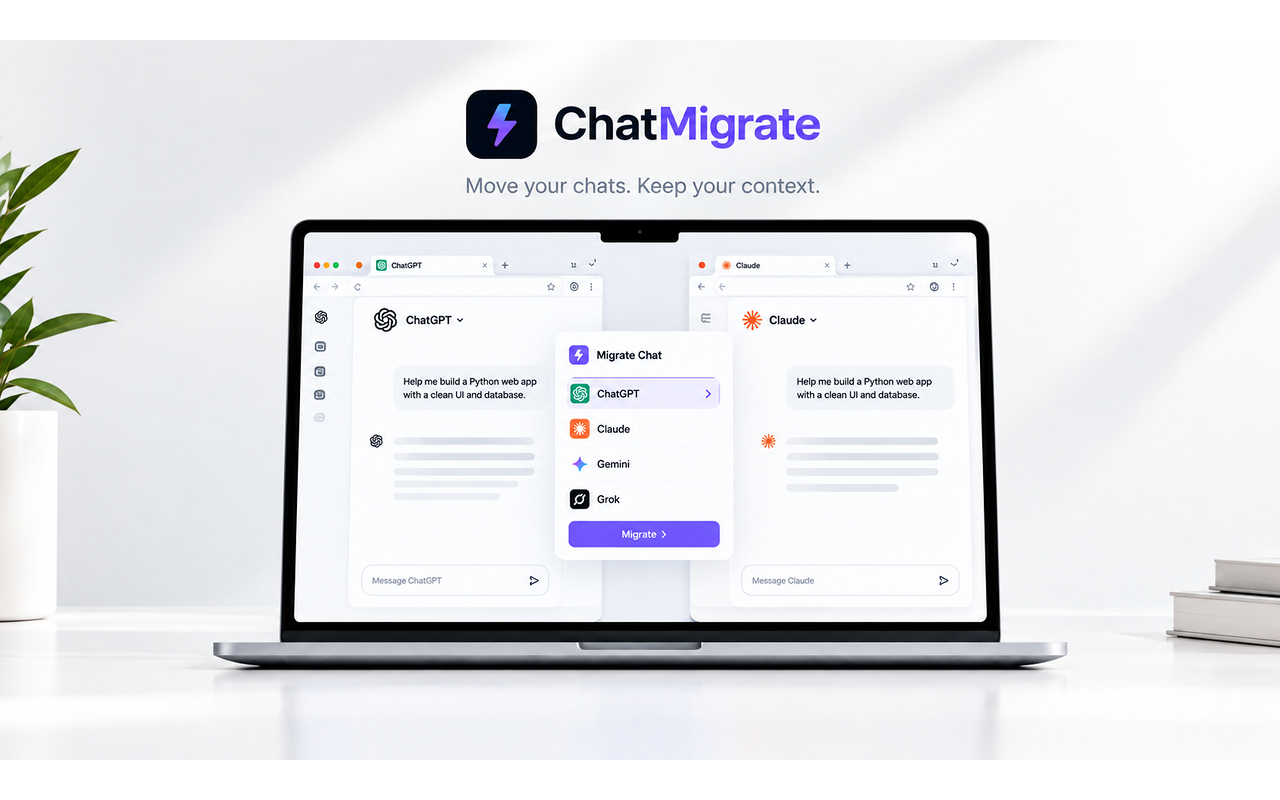
To move from ChatGPT to Claude without losing context, install the free ChatMigrate Chrome extension, open your conversation, and click migrate — your full thread arrives in Claude ready to continue.
You've hit a wall in ChatGPT. You need Claude's reasoning to fix the issue, but the thought of manually copying 15 messages, reformatting code blocks, and explaining the background again makes you want to close your laptop.
The friction of moving data is the hidden cost of AI. You aren't paying in dollars; you are paying in wasted time and broken formatting. Even if you have active subscriptions for both, the platform silos make it incredibly annoying to use them together.
When you manually copy-paste a massive chat history, you often blow past the target model's input limit in a single prompt. Furthermore, pasting a giant wall of plain text destroys the User vs. Assistant role structure, confusing the new AI and leading to poor responses.
You need an automated bridge. You need a tool that can read the current state of your conversation, structure the history perfectly, and inject it into the new platform as if you had been chatting there all along.
Switch AI tools without losing context. Download the free ChatMigrate extension and move your entire conversation history between platforms in one click.