August 24, 2026
How to Transfer ChatGPT Conversations to Gemini Without Broken Formatting
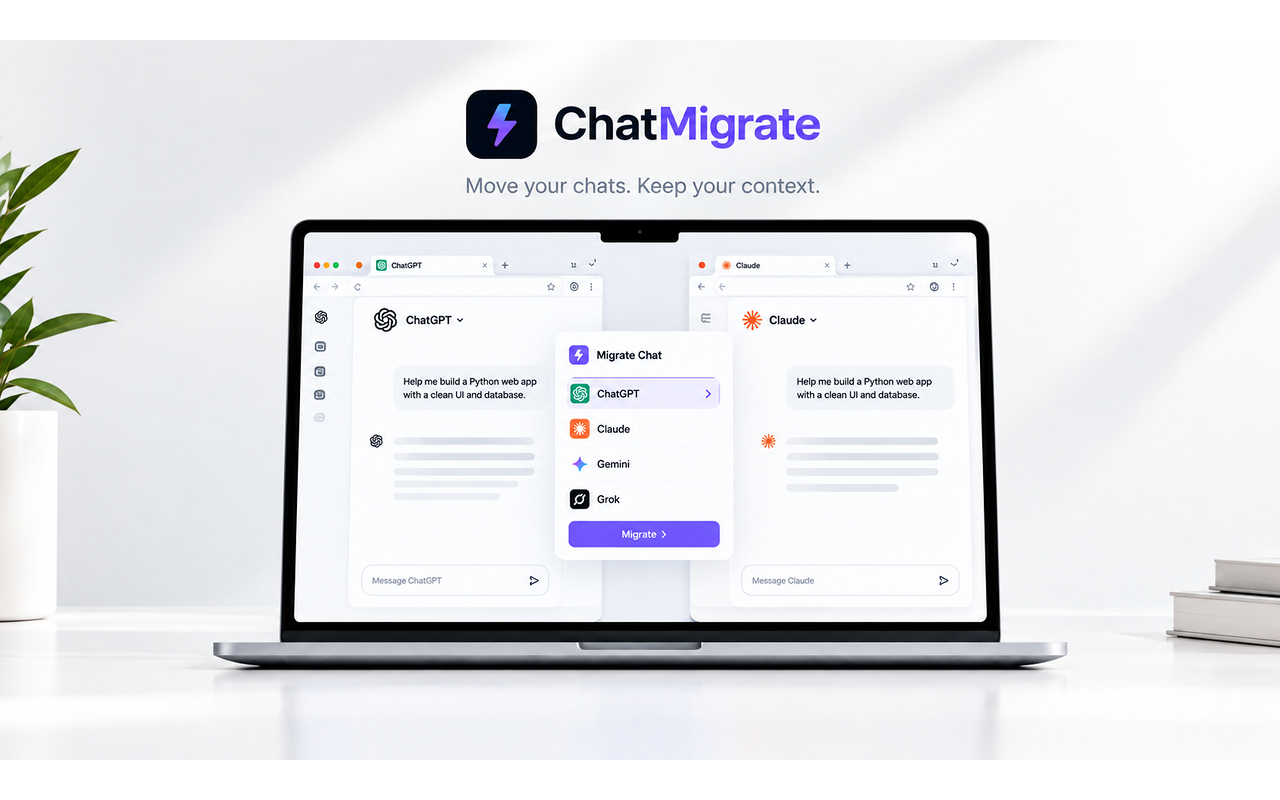
Moving chats from ChatGPT to Gemini manually breaks formatting and context. The free ChatMigrate extension moves your entire thread in one click, translating message roles and code blocks seamlessly into Gemini's interface.
There are many reasons to switch from ChatGPT to Gemini mid-project: Gemini's 10M token window can process massive document uploads that ChatGPT rejects, and Google ecosystem integrations make doc processing effortless.
The problem is getting your current conversation into Gemini. If you select text and copy-paste, you run into immediate issues: Markdown formatting breaks, code indentation gets mangled, and the target AI cannot differentiate between your prompt and the previous model's output.
OpenAI's built-in data export does not help here either. It generates a bulky JSON or HTML archive that requires manual extraction and cannot be imported into a live Gemini chat.
The ideal migration requires an active bridge that reads the DOM of your current thread, extracts message roles and metadata cleanly, and launches Gemini with context pre-loaded.
ChatMigrate was built specifically for this workflow. Open the extension while in ChatGPT, select Gemini as your destination, and your entire discussion appears in a new Gemini window ready for your next prompt.
Stop wasting time cleaning up broken code snippets. Automate the handoff and leverage Gemini's massive context window right away.