August 16, 2026
Claude Pro Limits and Reset Times Explained: How the Math Actually Works
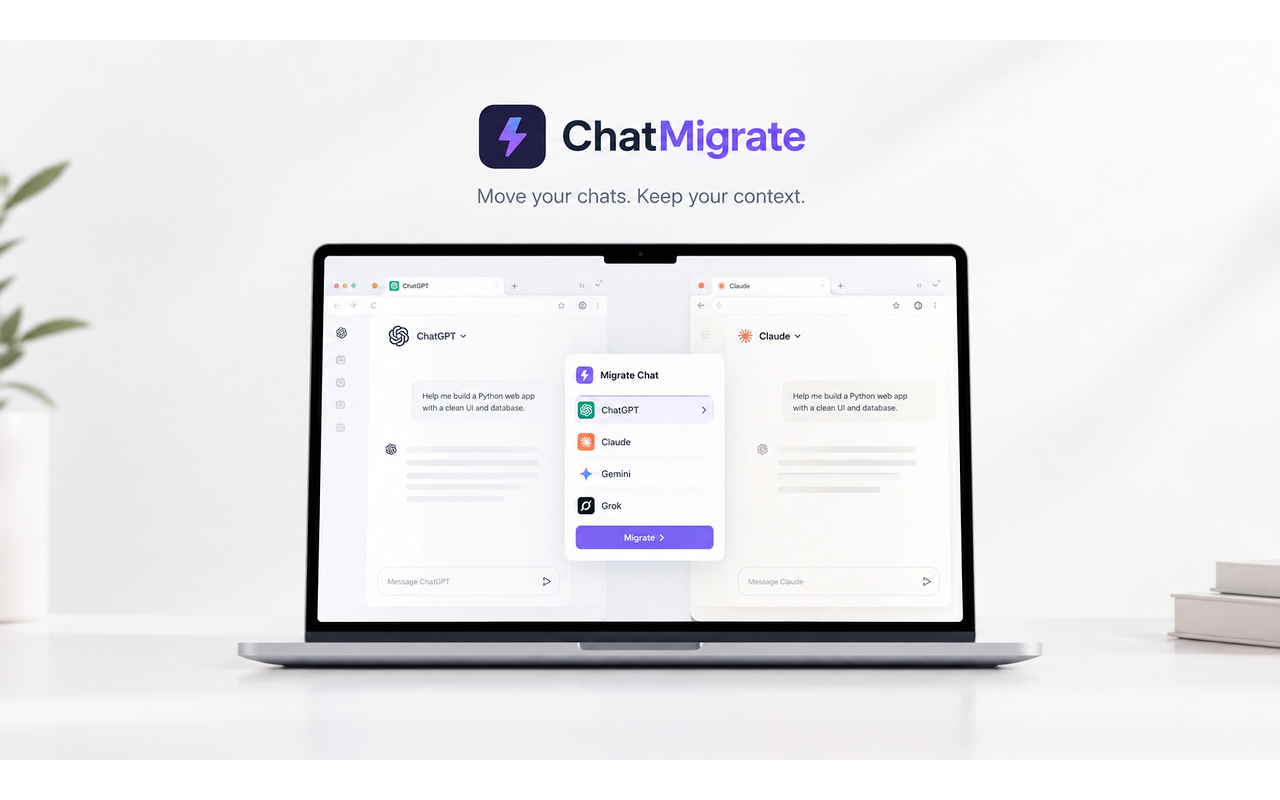
Claude Pro limits are determined by dynamic token volume and rolling 5-hour windows rather than a flat message counter. To avoid work stoppages when caps hit, use ChatMigrate to hand off your active conversation to ChatGPT or Gemini instantly.
One of the most frequent complaints from new Claude Pro subscribers is the unpredictability of message limits. One day you send 40 messages without issue, and the next day you receive a limit warning after just 12 prompts.
The reason lies in Anthropic's dynamic limit architecture. Claude measures the cumulative token length of your conversation. Every time you send a new message, the model re-processes the full history of the thread.
If your conversation contains 15,000 tokens of background context, each short question you submit burns 15,000 tokens of your rolling 5-hour allocation. In contrast, ten short independent chats consume far less capacity than one giant thread.
Additionally, Anthropic enforces dynamic limits based on global server demand. During peak business hours (9 AM to 3 PM EST), your session headroom can contract without notice.
Understanding the math helps you budget usage, but it does not prevent limits when deadlines loom. The only reliable safety net is having an alternate engine configured for immediate fallback.
When Claude signals that your limit is approaching, activate ChatMigrate to transfer your active conversation to ChatGPT or Gemini. You bypass the cooldown timer completely and maintain total context integrity.