April 28, 2026
ChatGPT Hit Its Limit? Here's the Fastest Way to Keep Working
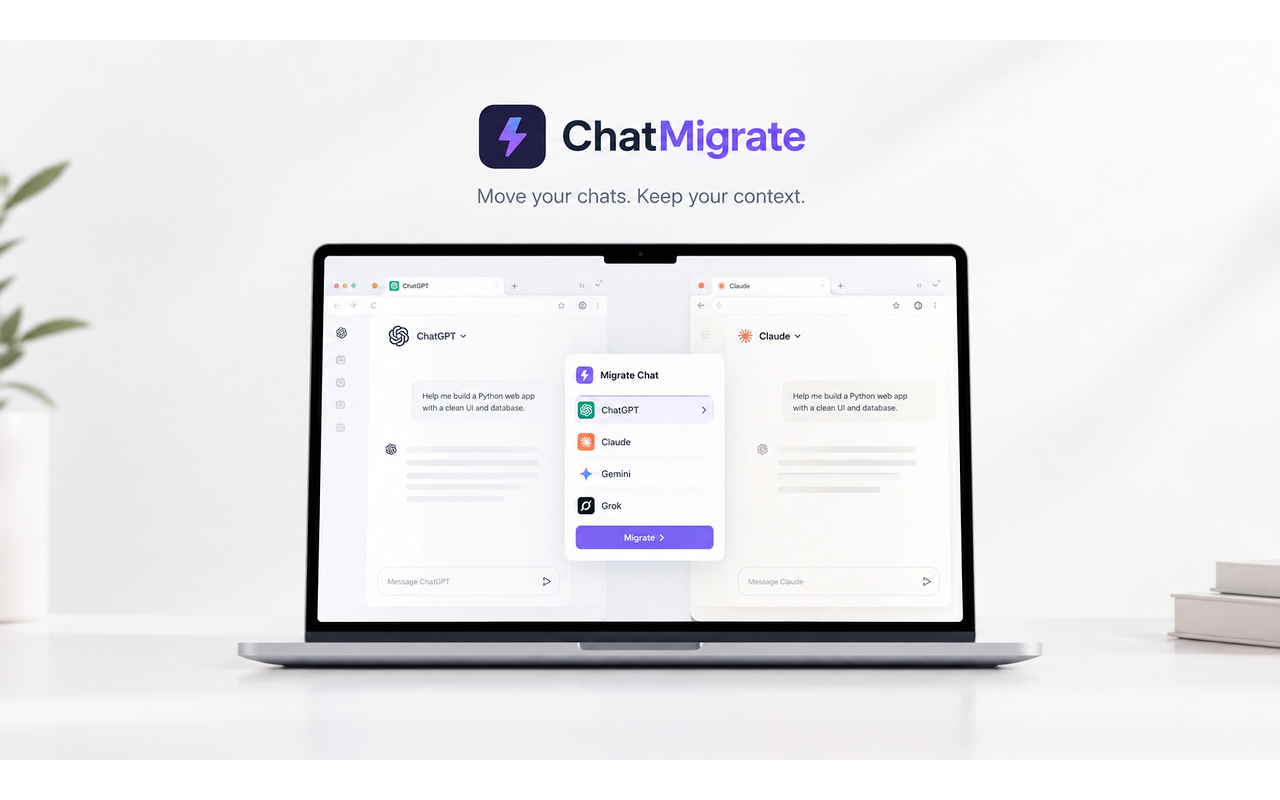
The fastest way to keep working after hitting a ChatGPT limit is to move the conversation to Claude or Gemini with the free ChatMigrate extension instead of waiting hours for your quota to reset.
You're in the zone, finally getting your logic to compile, and suddenly ChatGPT hits you with the dreaded "usage cap reached" message. Instead of waiting hours for the timer to reset, you need a way to keep your momentum going right now.
The standard ChatGPT Plus tier sits at $20/month, but the introduction of higher-tier subscriptions like the $200 Pro tier has made the base plan feel more restricted. Upgrading just to bypass an occasional limit during a sprint is a massive, unnecessary expense for most indie developers and startup founders.
OpenAI enforces a rolling limit on its flagship models like GPT-5.5. During peak hours, this can drop significantly without warning. Once you hit the wall, the platform either downgrades you to a much weaker, smaller model, or locks you out entirely for hours.
The smartest move when hitting a limit is horizontal routing. If ChatGPT goes down, instantly move your task to Claude Opus 4.7 or Gemini 3.1 Pro. You get comparable and sometimes better reasoning for the specific task without having to wait.
Switch AI tools without losing context. Install ChatMigrate to instantly beam your active ChatGPT conversation into Claude or Gemini with one click.