April 23, 2026
What to Do When Your AI Tool Gets Slower or Worse Mid-Chat
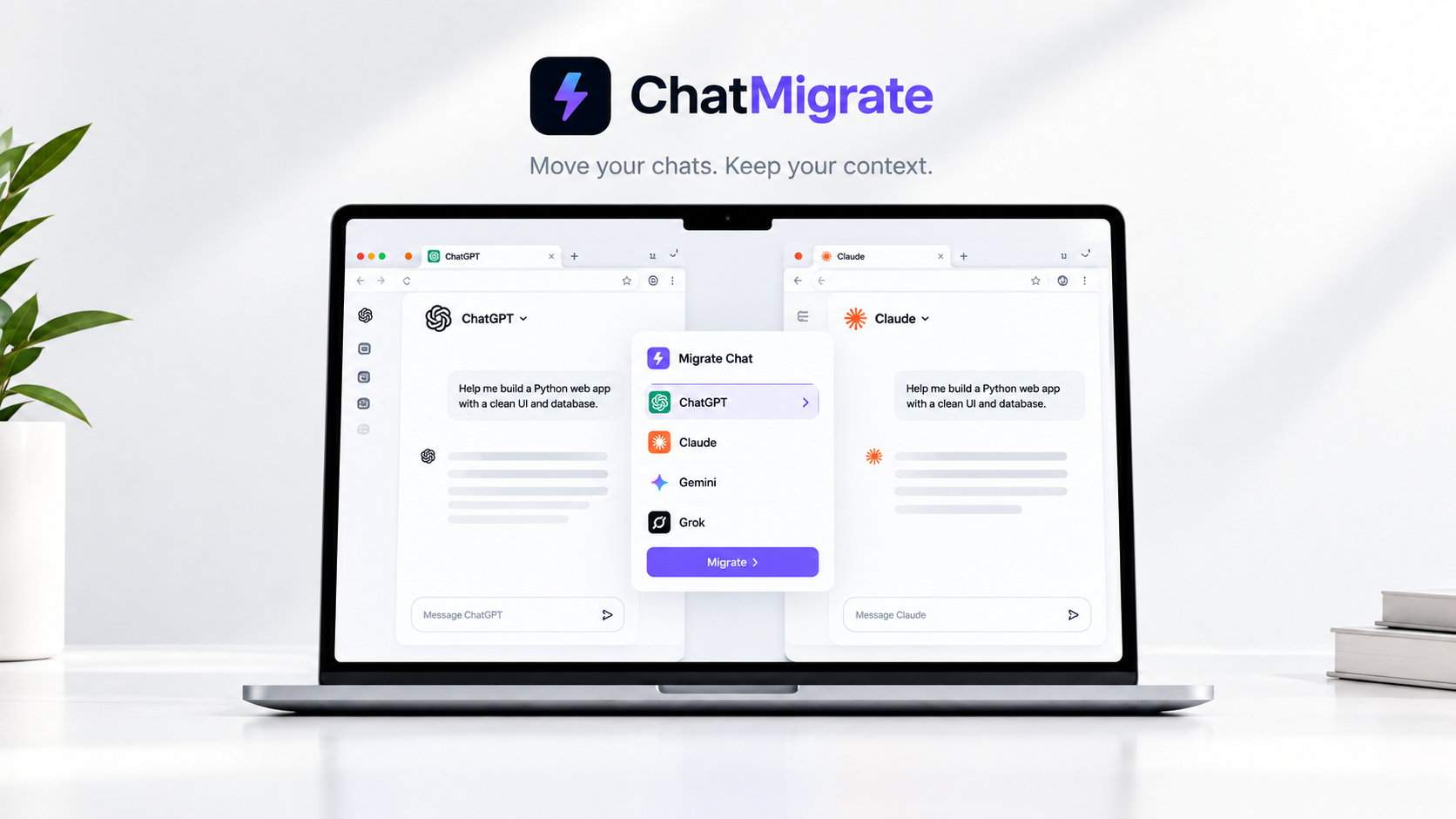
When an AI chat gets slower or dumber mid-conversation, the fix is usually a fresh thread or a different model — ChatMigrate moves your context to a clean chat or another platform in one click.
You start a chat and the AI is brilliant. Thirty prompts later, it's forgetting your variables, hallucinating functions, and generating responses at a snail's pace. You haven't hit a hard limit yet, but the model has clearly degraded.
Platforms don't charge you less when their models degrade. Your $20/month subscription stays the same whether you are getting peak GPT-5.5 performance or being quietly throttled to a smaller, cheaper fallback model during periods of high server load.
This is the hidden cap. As your context window fills up, the compute required to generate the next token increases exponentially. To save server costs, some platforms will silently route your long conversation to a less intelligent, faster model.
When you notice the AI getting lazy or losing the thread, do not keep arguing with it. The context window is corrupted. The best fix is to summarize the state of the conversation and move it to a completely fresh session, ideally on a different model with a fresh token allowance.
Switch AI tools without losing context. Use ChatMigrate to condense your history and beam it to a fresh model before the hallucinations start.